
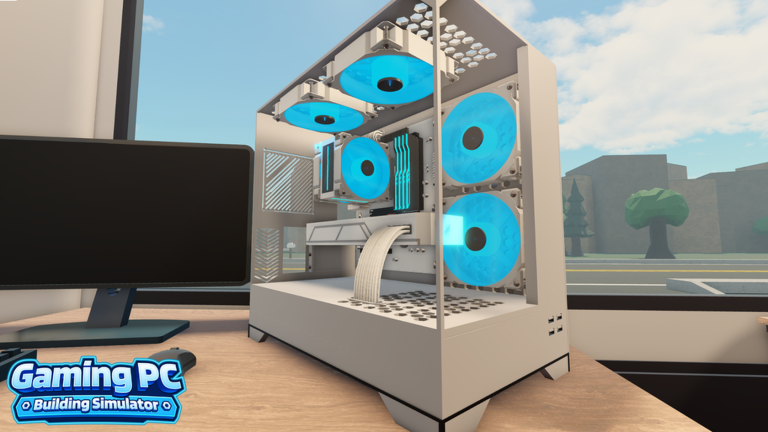
Roblox has no shortage of simulation experiences, but few offer the satisfaction of assembling high-end hardware without the risk of frying a motherboard. Gaming PC Building Simulator puts you in the shoes of a tech enthusiast where your primary goal is to assemble, optimize, and manage virtual rigs. You are constantly balancing performance specs against budget constraints, striving to create the most efficient machine possible.
As you progress, the complexity of the builds increases. You will find yourself swapping out processors, managing cooling solutions, and obsessing over frame rates to satisfy your clients. It is the kind of satisfying loop where you feel the tangible growth of your workspace as your reputation—and your bank account—begins to swell.
Resources are the lifeblood of your operation. Whether it is hard cash or special boosters, having a stockpile of materials makes the difference between a mediocre office and a top-tier lab. Without a healthy stash of in-game currency, you might find yourself stuck with outdated components while your competitors move ahead.
That is where our code list becomes an essential tool for your journey. Instead of spending hours grinding for marginal gains, these codes provide a direct path to the assets you need to upgrade your setup. We keep this page updated constantly so you never miss a chance to grab free multipliers or other useful bonuses.
Using these codes effectively allows you to bypass the early-game struggle. When you have extra multipliers on hand, your efforts yield significantly higher returns, helping you reach the endgame components much faster. A little boost goes a long way when you are trying to assemble the perfect rig.
Updated November 2026. The latest code provides a helpful multiplier boost to jumpstart your build process. Be sure to claim these rewards quickly, as active codes for this simulator can expire without much warning.
All Gaming PC Building Simulator Codes (November 2026)
Here are all the current codes you can redeem right now to claim your bonuses.
- UPDATEONE
Expired Gaming PC Building Simulator Codes
These codes are no longer valid and cannot be used to claim rewards.
No expired codes yet.
How to Redeem Codes in Gaming PC Building Simulator
- Launch the game through the Roblox client.
- Look for the settings or codes icon, usually located on the side of the main user interface.
- Open the text box and enter your active code exactly as it appears in the list.
- Confirm your entry to receive the rewards instantly in your inventory.
Why Your Code Isn’t Working
- Case Sensitivity: Codes must be entered exactly as shown, including capital letters.
- Expired Codes: If a code has passed its internal shelf life, it will no longer function.
- Already Redeemed: Each code is generally limited to one use per account.
- Typing Errors: Double-check for hidden spaces or typos if you are typing the code manually rather than copying and pasting.
How to Get More Gaming PC Building Simulator Codes
To stay ahead of the curve, keep an eye on the official developer social media channels and the dedicated game community page. These areas are the primary spots for major announcements, update news, and secret codes. We recommend bookmarking this page and checking back frequently, as we constantly track the latest releases to ensure our list remains the most reliable source for your rewards.