
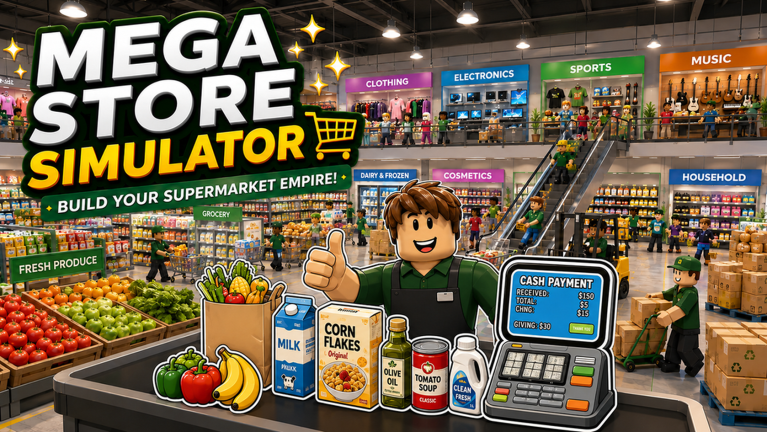
Running a successful retail empire requires more than just good placement and inventory management. In Megastore Simulator, you are tasked with building a commerce juggernaut from the ground up. Balancing the influx of customers while maintaining efficient operations defines the core loop of your daily routine within the experience.
As you expand your reach, the demands on your resources grow significantly. You will spend a substantial amount of time managing your capital to ensure your store remains competitive. Scaling your business effectively often means making hard choices about where to allocate your hard-earned funds to maximize efficiency.
Progression in this simulation hinges on your ability to reinvest earnings into upgrades that streamline your service. Whether you are aiming to increase customer capacity or speed up transaction times, every coin counts. Having extra starting capital or sudden bonuses can drastically shift your momentum, especially when you are trying to push through a slow growth phase.
This is where promotional codes prove to be an essential tool for any aspiring retail tycoon. These bonuses provide immediate injections of resources that save you from the usual grind, allowing you to bypass tedious bottlenecks. Keeping your operation lean and well-funded is much easier when you utilize every available advantage the developers provide.
We stay on top of the latest releases to ensure you never miss a free boost. Our team constantly monitors for new drops so you can spend less time searching for keys and more time optimizing your aisles for maximum profit. Check back frequently to keep your storefront ahead of the competition.
Updated November 2026, these codes offer a quick way to bolster your in-game assets. Make sure to claim these rewards as soon as possible, as they often disappear without notice once their limited window of availability closes.
All Megastore Simulator Codes (November 2026)
Redeem the following codes for immediate rewards.
- like2500
- mega2026
Expired Megastore Simulator Codes
These codes are no longer functional.
No expired codes yet.
How to Redeem Codes in Megastore Simulator
- Launch Megastore Simulator in Roblox.
- Locate the menu button on the main interface, usually represented by a settings or Twitter-style icon.
- Select the code entry field.
- Enter your code exactly as displayed.
- Confirm the entry to receive your reward.
Why Your Code Isn’t Working
- Case Sensitivity: Most codes are case-sensitive, so ensure you match the capitalization exactly.
- Expiration: If a code has passed its validity window, it will no longer grant rewards.
- Typos: Double-check for extra spaces or misread characters if you are typing them manually.
- Single-use: You can only claim each reward code once per account.
How to Get More Megastore Simulator Codes
The best way to find new codes is by following the developers on their official social media channels or joining their dedicated community server. They often announce new drops during milestones or major game updates. Be sure to bookmark this page and check back regularly, as we update our list the moment new rewards are released.